
SELF-STORAGE TENANT PROTECTION PLAN
Reporting Damage to MiniCo: Facility Instructions
Click Here to Open the Reporting Form
Click Get Started at the top of the form.

Complete the form. Required fields are marked in red.
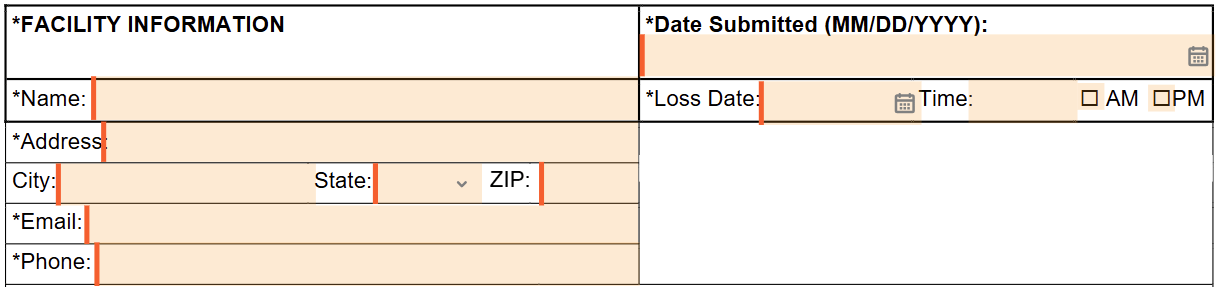
Once all required fields have been completed, the Finish button will appear at the top and bottom of the page.

Click the Finish button to submit the report.
A Thank You page will appear to confirm that your form has been successfully transmitted to MiniCo.
From this page, you can download a copy of the completed form or email a copy to yourself.
Questions?
Email protectionplan@minico.com or
call 800-528-1056.
Office Hours: M-F, 7:30 am to 4:00 pm MST